Agentification, defined
What is agentification?
Agentification is rebuilding a real, recurring piece of work so supervised AI agents do the reading, gathering, drafting, and routing, while people keep the decisions that carry risk. It isn't a chatbot or a demo. It's versioned, evaluated software that runs in infrastructure you control, with approval points the platform enforces.
The words
Agentify, agentified, agentification
"Agentify" is our word, so we owe you a precise definition. To agentify a workflow is to rebuild it so supervised AI agents take on the repetitive steps and route decisions to the right people. Anagentified workflow is the result: the same work, with agents doing the reading and matching and people approving what matters. Agentification is the practice across an organization, one workflow at a time.
Agentifiers is the company that does it. We deploy an agent platform in an AWS account in your AWS Organization, brand it as yours, and agentify your workflows with your team. For the step-by-step method, readwhat it actually means to agentify a workflow.
What it isn't
How agentification differs from chatbots, RPA, and automation
Not a chatbot
A chatbot waits for someone to ask it something. An agentified workflow picks up the work where it arrives, such as a shared inbox, a form, a webhook, or a schedule, carries it through your systems, and hands people decisions, not conversations.
Not RPA
Robotic process automation replays fixed steps across screens. Agents read unstructured inputs such as invoices, tickets, and contracts, call your systems through tools you allow, and explain what they propose. Steps that are fixed and predictable can stay that way.
Not unsupervised automation
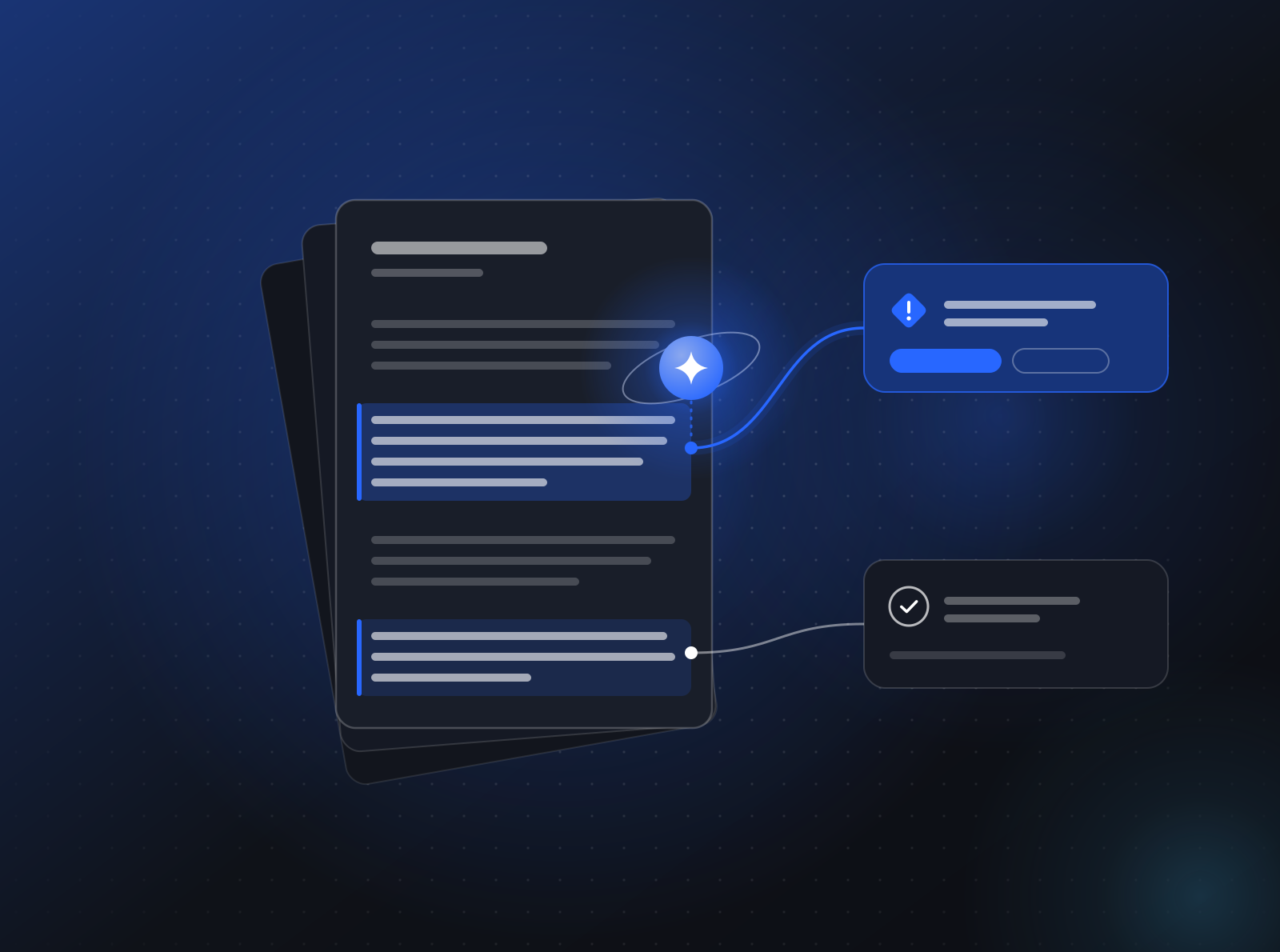
Actions that move money, change access, speak to a customer for the first time, or delete data are tool calls that require approval before they run. The platform enforces this, so an agent cannot skip it.
Not a demo
A demo works on five hand-picked examples. Agentified workflows are evaluated against your own past work before each release, and shipped as versioned releases you can roll back.
Where to start
What makes a workflow a good candidate
The best first candidates are repetitive, high-volume, and mostly about reading and matching, with a few clear decisions. Most workflows turn out to be a lot of reading and matching wrapped around a few real decisions. That shape is what agents are good at, as long as the decisions stay where they belong.
When we map a workflow, we look at five things:
- Inputs. Where does the work arrive? A shared inbox, a form, a webhook from another system, a spreadsheet someone emails on Mondays.
- Steps. What does a person read, look up, compare, and write? Which systems do they open, and in what order?
- Decisions. Where does someone make a judgment call? Which calls are routine, and which carry real money, legal, or customer risk?
- Exceptions. What happens when something does not fit? Who gets pulled in, and how?
- Outputs. What is the finished state? A posted invoice, a sent reply, an account created, a schedule published.
How we do it
The method: map, deploy, brand, agentify
- Map. We sit with the people who do the work, map the process end to end, and pick where agents earn their keep first.
- Deploy. You give us an AWS account in your AWS Organization. We provision the platform there with OpenTofu, under your IAM and your keys.
- Brand. Your name, your domain, and your agent identities, in Slack, in email, and in the tools your team already uses.
- Agentify. We build, evaluate, and ship supervised agents, with approvals wherever money, customers, or risk are involved.
Once agents are live, we watch the traces, tune what drifts, and take on the next process, or train your team to run everything themselves. See internal agents for how an engagement runs.
What gets built
Anatomy of an agentified workflow
- Narrow agents. Several agents with narrow jobs instead of one giant prompt, each with a small set of tools and a clear definition of done.
- Tools you allow. Agents reach your systems only through tools: MCP servers, HTTP callbacks, the integration catalog, or sandboxed code with no network access.
- Approval points. Tool calls marked approval-required. The run pauses, asks the right person, and resumes on their answer.
- Agents as code. Instructions, tools, model policy, and approval rules in a repository you own, shipped as immutable, versioned releases with canary rollout.
- Evaluations. An evaluation set built from your own historical work. When a new version does worse, it does not ship.
- Traces. Every run records what the agent read, which tools it called, what it proposed, who approved it, and how long each step took.
In accounts payable, for example, that might be an intake agent that extracts invoice data, a matching agent that checks it against purchase orders, an exceptions agent that explains mismatches, and a payment prep agent that assembles the run for approval.
Human in the loop
Where people stay in charge
Agents propose. People decide where it matters. The system enforces the difference.
Approval points cluster around actions that move money, change access, speak to a customer or counterparty for the first time, or delete data. An agent can prepare a payment run, but it cannot release it. It can draft a redline, but it cannot send it. Approval requests arrive in Slack or email with a plain summary and a link to the full trace.
Approval points are deliberate, few, and placed where a mistake would be expensive. Readhuman-in-the-loop by design for how we place them.
Your cloud
Where agentified workflows run
Agentified workflows run on the platform in an AWS account in your AWS Organization, under your IAM policies and your encryption keys, and reach models only through providers you approve. If we part ways, the agents, the evaluation sets, the runbooks, and the audit trail stay with you.
Read BYOC for AI agents for what runs in your account and how our access works.
Two paths
Agentifying how you work, or what you sell
Most agentification is internal: finance, support, operations, and people processes, agentified white-glove by our team with yours. That is internal agents.
Product teams agentify what they sell instead. They build AI agents into their own product on the same multi-tenant platform, with each of their customers as an isolated tenant. That isagents in your product.
Examples by function
Six workflows we agentify, each with people approving the moments that matter. Seeall use cases.
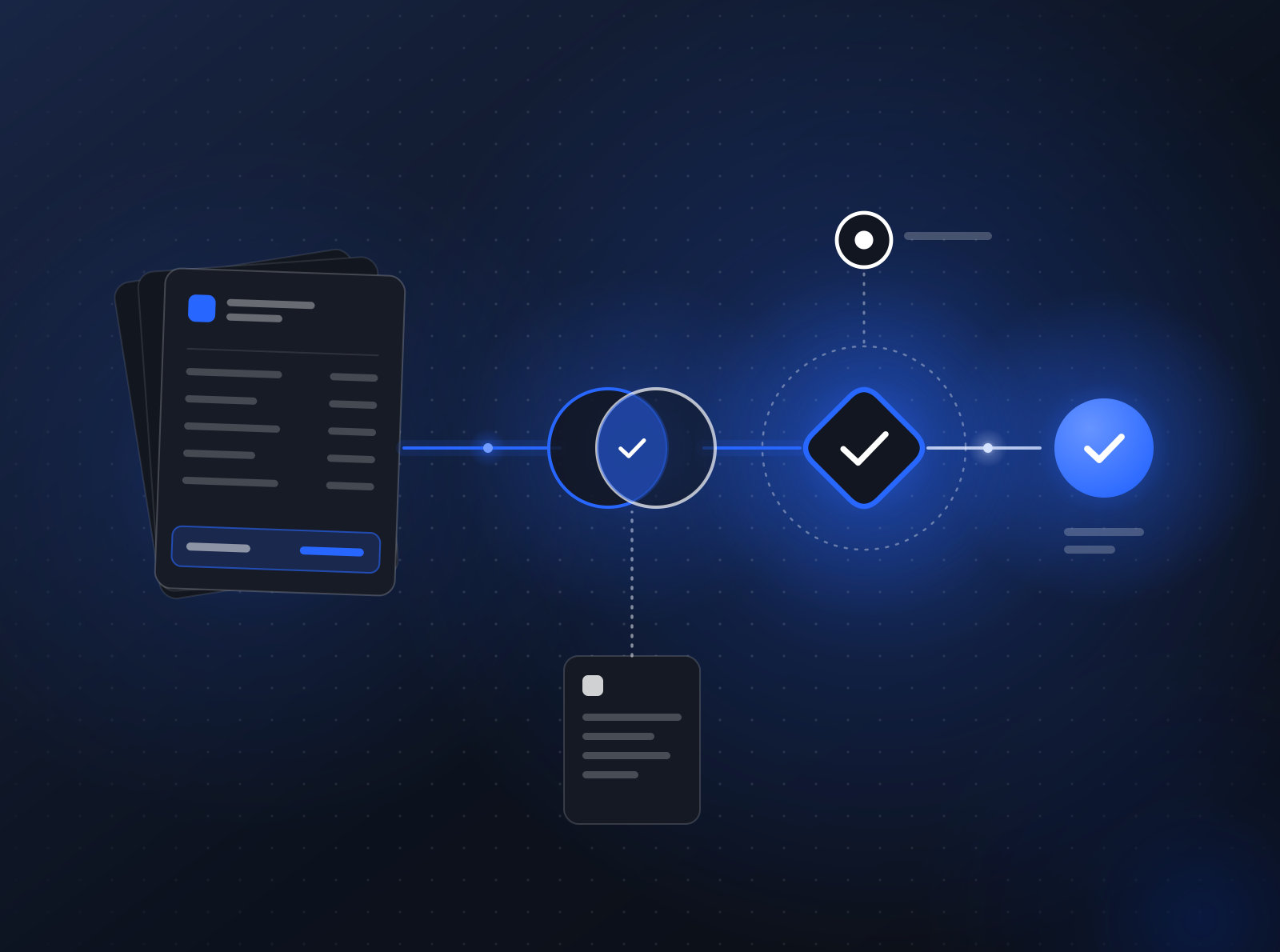 FinanceAccounts payableSee the workflow
 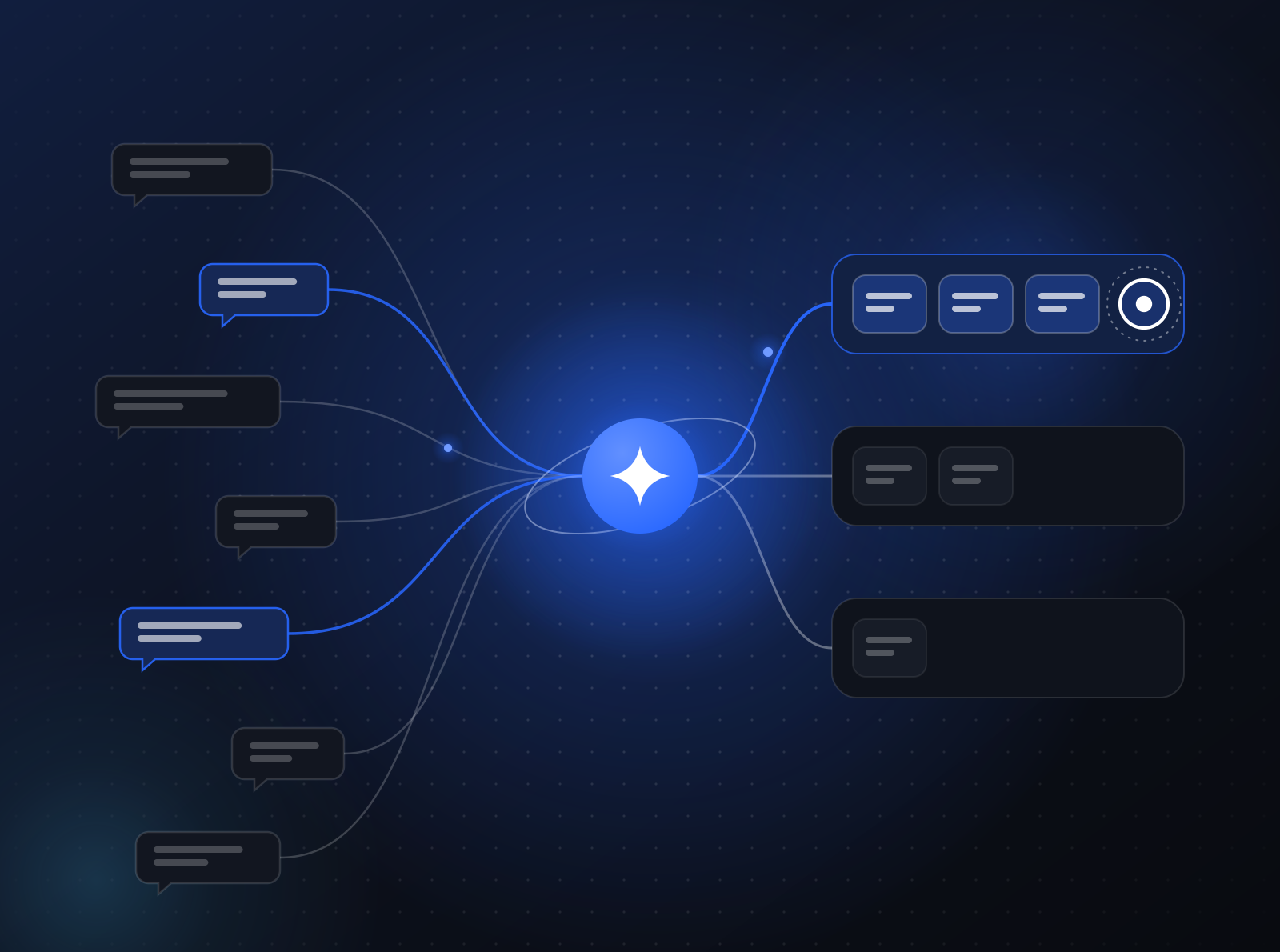 Customer experienceCustomer support triageSee the workflow
 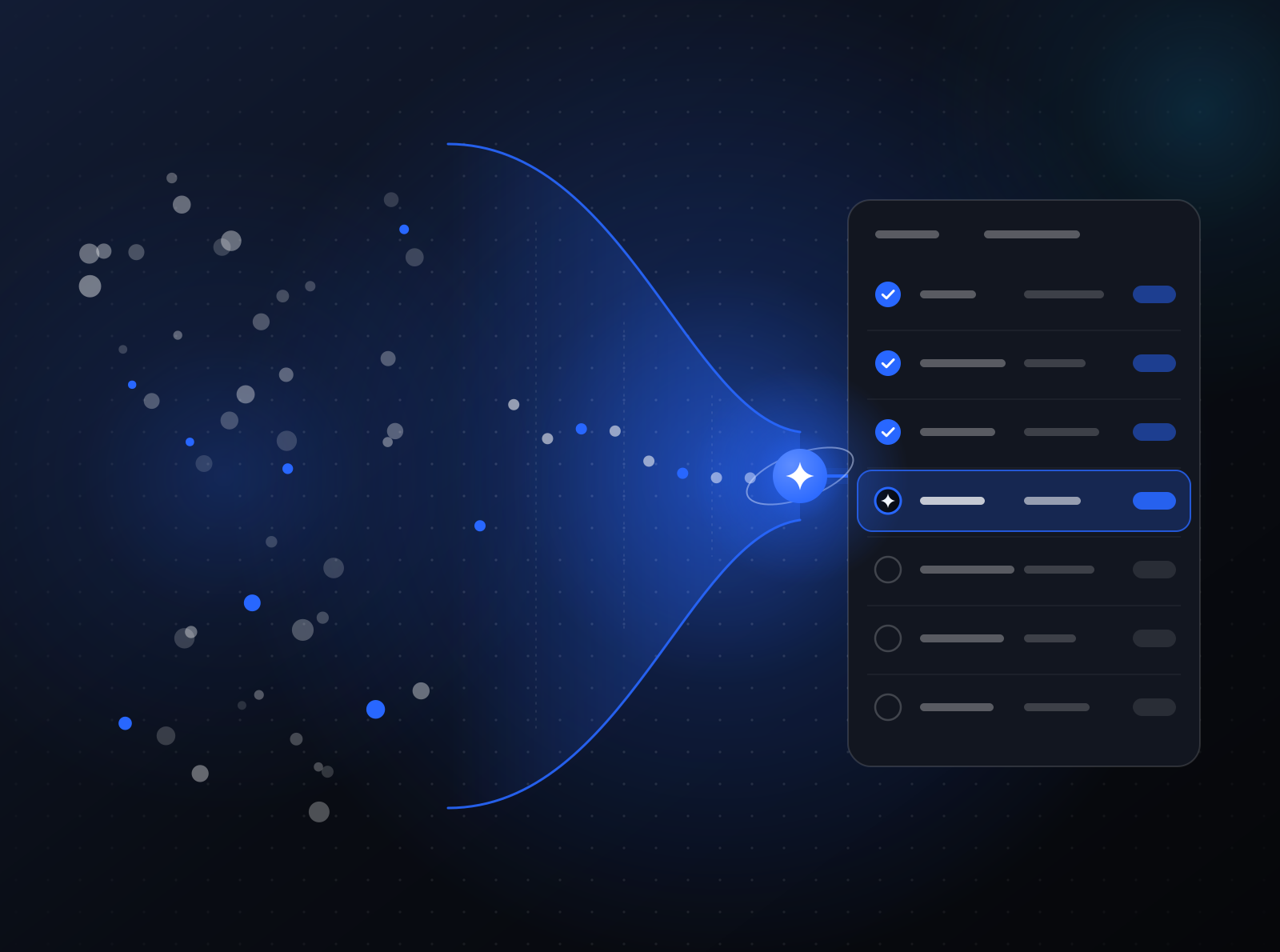 RevenueLead qualification & CRM hygieneSee the workflow
 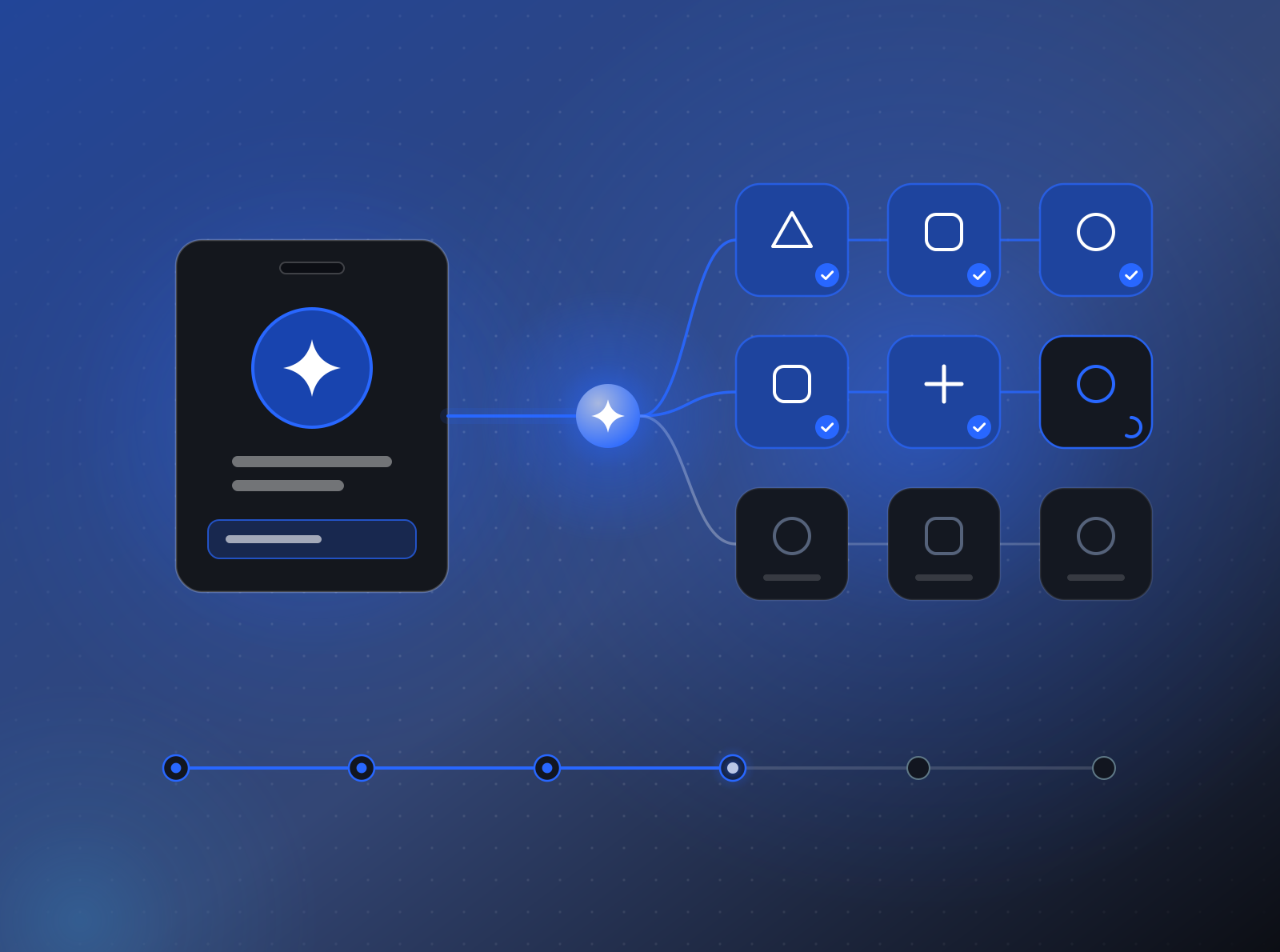 People & ITEmployee onboardingSee the workflow
  Legal & riskContract & policy reviewSee the workflow
  OperationsScheduling & dispatchSee the workflow
 Reading on agentification
- Playbook
What it actually means to agentify a workflow
Agentifying a workflow is not adding a chatbot. It means mapping the work, keeping people in charge of risky decisions, and shipping agents you own. - Architecture
Why your agents belong in your own AWS account
AI agents read your invoices, contracts, and customer records. That work should run in an AWS account you control, under your keys, with a trail you can audit. - Strategy
Agentification isn't just for enterprises
Small businesses have the same repetitive workflows as large ones, with fewer people to absorb them. How supervised AI agents fit a small team and budget. - Governance
Human-in-the-loop AI agents by design, not as an afterthought
Approval points are not a brake on AI agents. Placed deliberately and enforced by the platform, they let your team trust agents with real work. Here is how.
Start with one workflow
Bring the process that eats your team's week. We'll tell you plainly whether it's a good first candidate and what a first step would involve.