Use case · Customer experience
AI agents for customer support triage
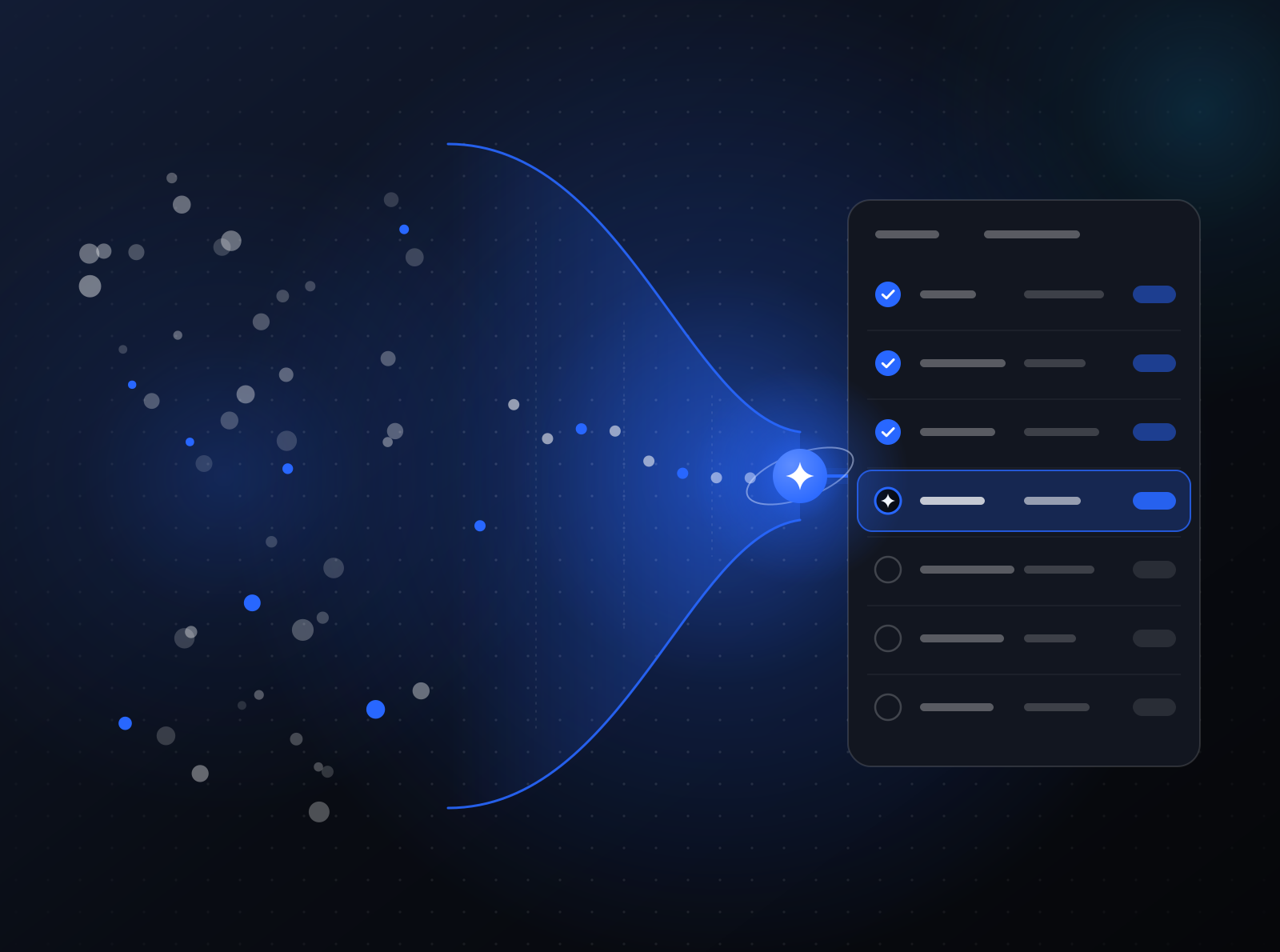
AI agents for customer support triage read each new ticket, tag its category and urgency, pull the customer's account and order history, and draft a reply grounded in your knowledge base, citing the articles they used. Your support team reviews, edits, and sends. Refunds, credits, and account changes always wait for a person's approval.
The workflow today
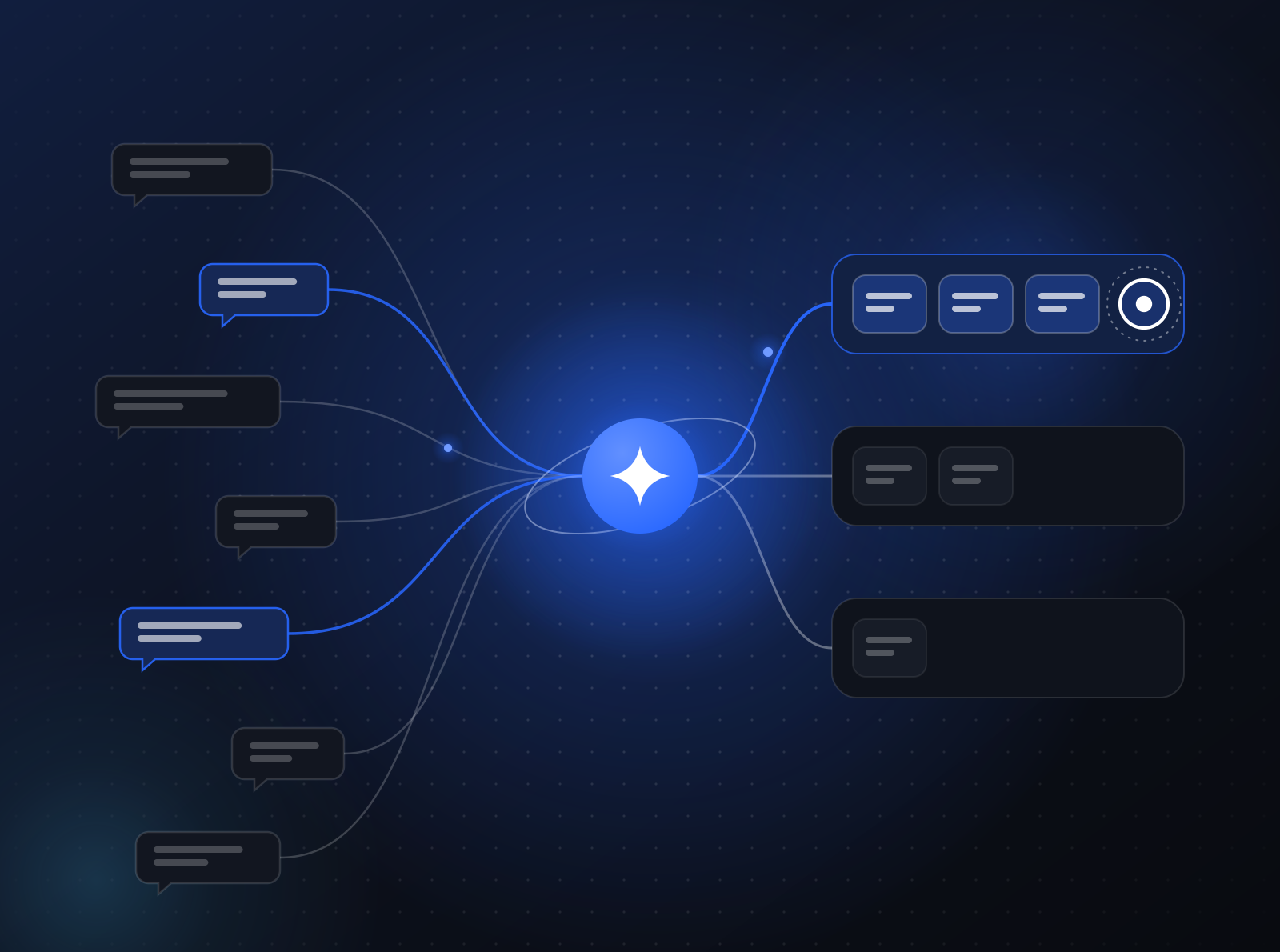
Tickets land in a help desk or a shared inbox. A person reads each one, works out what it is about, looks up the customer’s account or order, searches the help center for the right answer, and writes a reply. Urgent issues sit behind simple ones because the queue is first in, first out.
For a small business, this is the owner or a two-person team answering between other jobs. For an enterprise, it is tiers of agents, routing rules, and queues per region. Both lose time on the same thing: gathering context before anyone can actually help.
The agentified workflow
- Triage agent. Reads each new ticket, tags its category, product, and urgency, and detects language and sentiment. Urgent and sensitive tickets jump the queue and notify the right channel in Slack.
- Context agent. Pulls the customer’s account, recent orders, plan, and previous tickets, and attaches a short summary to the ticket so nobody has to open five tabs.
- Answer agent. Drafts a reply grounded in your knowledge base and policies, and cites the articles it used. If the answer is not in your content, it says so instead of inventing one.
- Escalation agent. For bugs and account issues, it writes a clean handoff with reproduction details and routes it to engineering or the account owner.
Your team reviews drafts, edits where needed, and sends. Over time you can clear specific low-risk categories, such as order status, for direct send. Here is how approval points change as trust grows.
Guardrails
- Refunds, credits, and account changes require a person to approve the tool call before it runs.
- Replies go out under your brand and from your domain, with the identity you choose.
- Retention policies apply to ticket content, and erasure requests can be honored on demand.
- Agents run in your AWS account and use only the model providers you approve.
Where it goes next
The same building blocks extend to proactive outreach, help center gap reports drawn from unanswered questions, and weekly summaries of what customers are asking about. Each change ships as a new version, evaluated against real tickets first.
Support agents run on the same source-available agent platform as the rest of your workflows. See how an internal agents engagement runs and how pricing works. If you want to give your own customers agents inside your product instead, see agents in your product.
How to start
We agentify one workflow at a time as an internal agents engagement, in an AWS account in your AWS Organization. See how engagements run, or tell us about your process. Small business without an AWS account? We can set it up and run it for you.
Related reading:What it actually means to agentify a workflow