Use case · Operations
AI agents for scheduling and dispatch
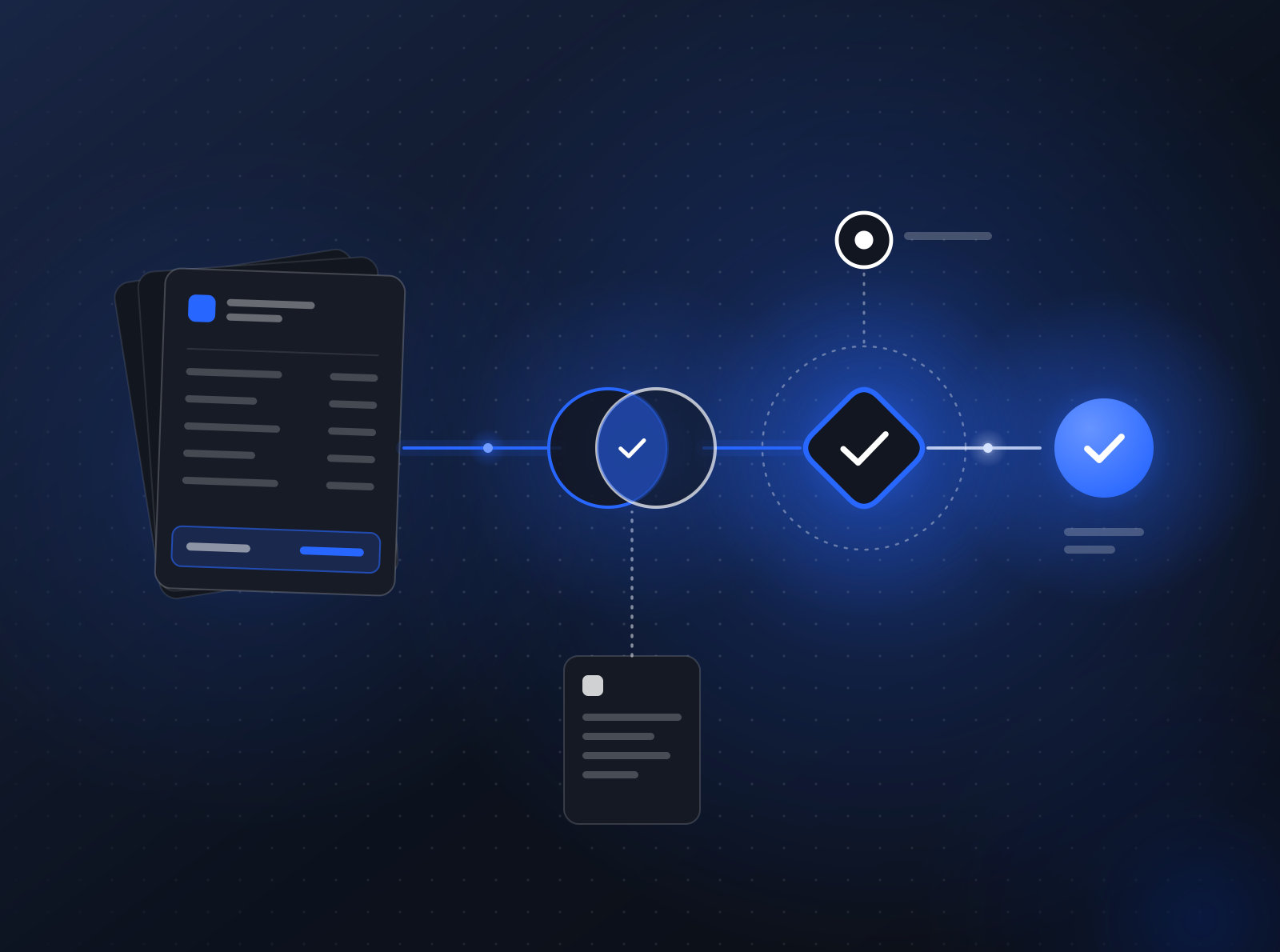
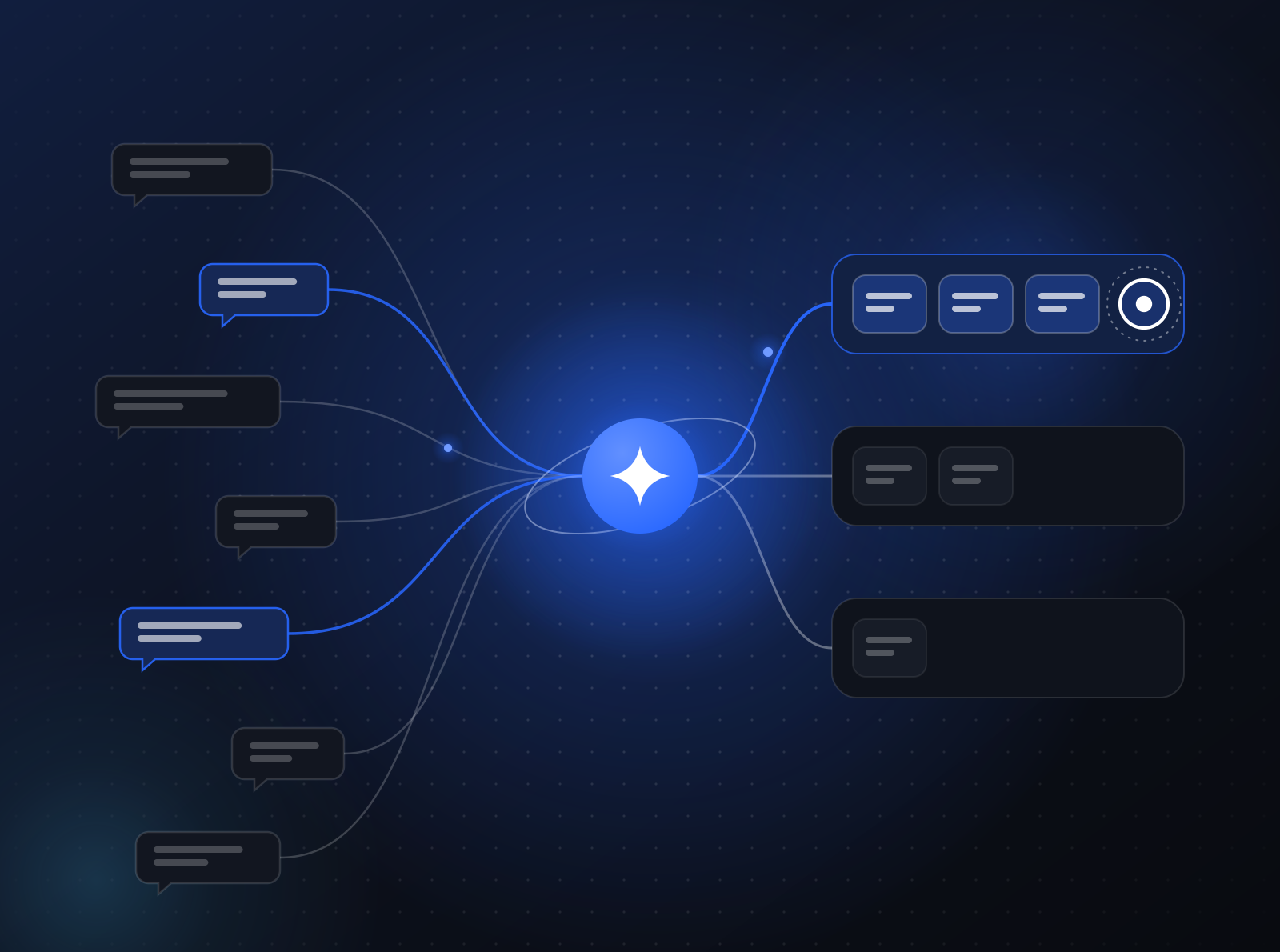
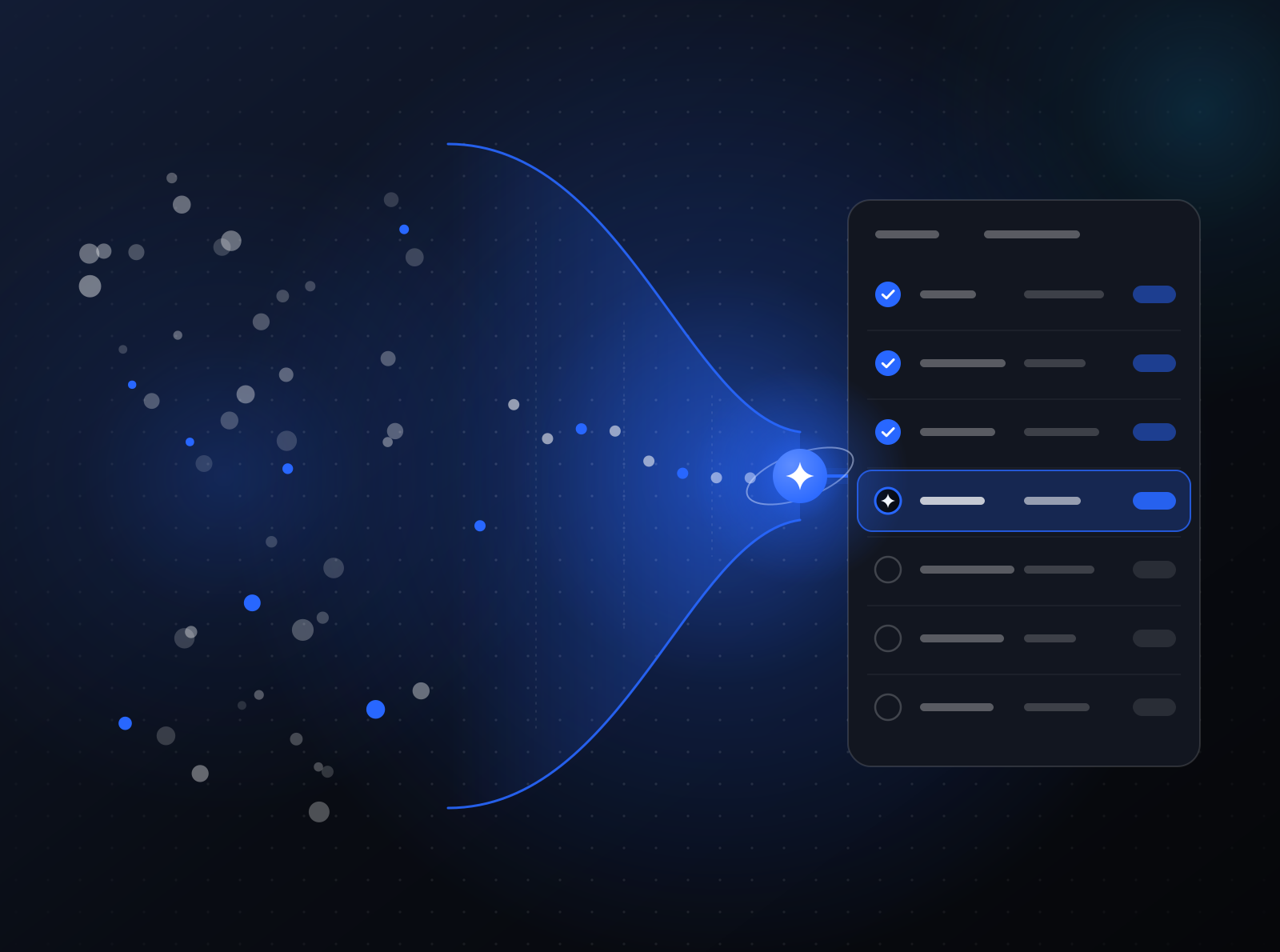
AI agents for scheduling and dispatch read requests from email, web forms, and messaging, turn each one into a structured job, and propose assignments that respect skills, territories, travel, and priority. A watch agent re-plans when the day changes, and an update agent keeps customers informed. Dispatchers approve the daily plan and any change to a confirmed appointment.

The workflow today
Requests come in through every channel at once. A dispatcher reads them, works out what kind of job each one is, checks who is qualified and free, considers travel time, and calls or emails the customer to confirm. When a job runs long or someone calls in sick, the whole day gets reshuffled by hand.
For a small business, such as a 40-person HVAC company, the dispatcher is also the receptionist. For an enterprise with field teams across regions, dispatch is a dedicated function wrestling with a scheduling tool that does not know what the inbox says.
The agentified workflow
- Intake agent. Reads requests from email, web forms, and messaging channels, and turns each one into a structured job: customer, address, job type, urgency, and preferred windows. Missing details trigger a short follow-up question.
- Planning agent. Proposes assignments that respect skills, certifications you track, territories, travel, and priority. It explains each choice so a dispatcher can check it quickly.
- Watch agent. Runs on a schedule through the day. When a job overruns or a technician becomes unavailable, it proposes a revised plan and shows who is affected.
- Update agent. Once a dispatcher confirms, it sends confirmations, reminders, and arrival updates to customers by email or business messaging, under your brand.
Guardrails
- The daily plan and any change to a confirmed appointment wait for a dispatcher’s approval.
- Emergency and after-hours requests always route to an on-call person.
- Customer messages use templates you approve and come from your own domain and identity.
- Every proposal is traced, and all runtime and state live in your AWS account.
- Scheduling rules are versioned, so a change to territories or priorities is reviewed and evaluated against past days before it goes live.
Where it goes next
With intake and planning in place, teams add parts and inventory checks before dispatch, job completion notes drafted from technician input, and follow-up booking for recurring maintenance. Each addition is a new versioned agent, rolled out with a canary before it reaches the full team.
Scheduling is a good first workflow for a small team. Read why agentification isn’t just for enterprises, see how an internal agents engagement runs on the source-available agent platform, and how pricing works.
How to start
We agentify one workflow at a time as an internal agents engagement, in an AWS account in your AWS Organization. See how engagements run, or tell us about your process. Small business without an AWS account? We can set it up and run it for you.
Related reading:Agentification isn't just for enterprises